
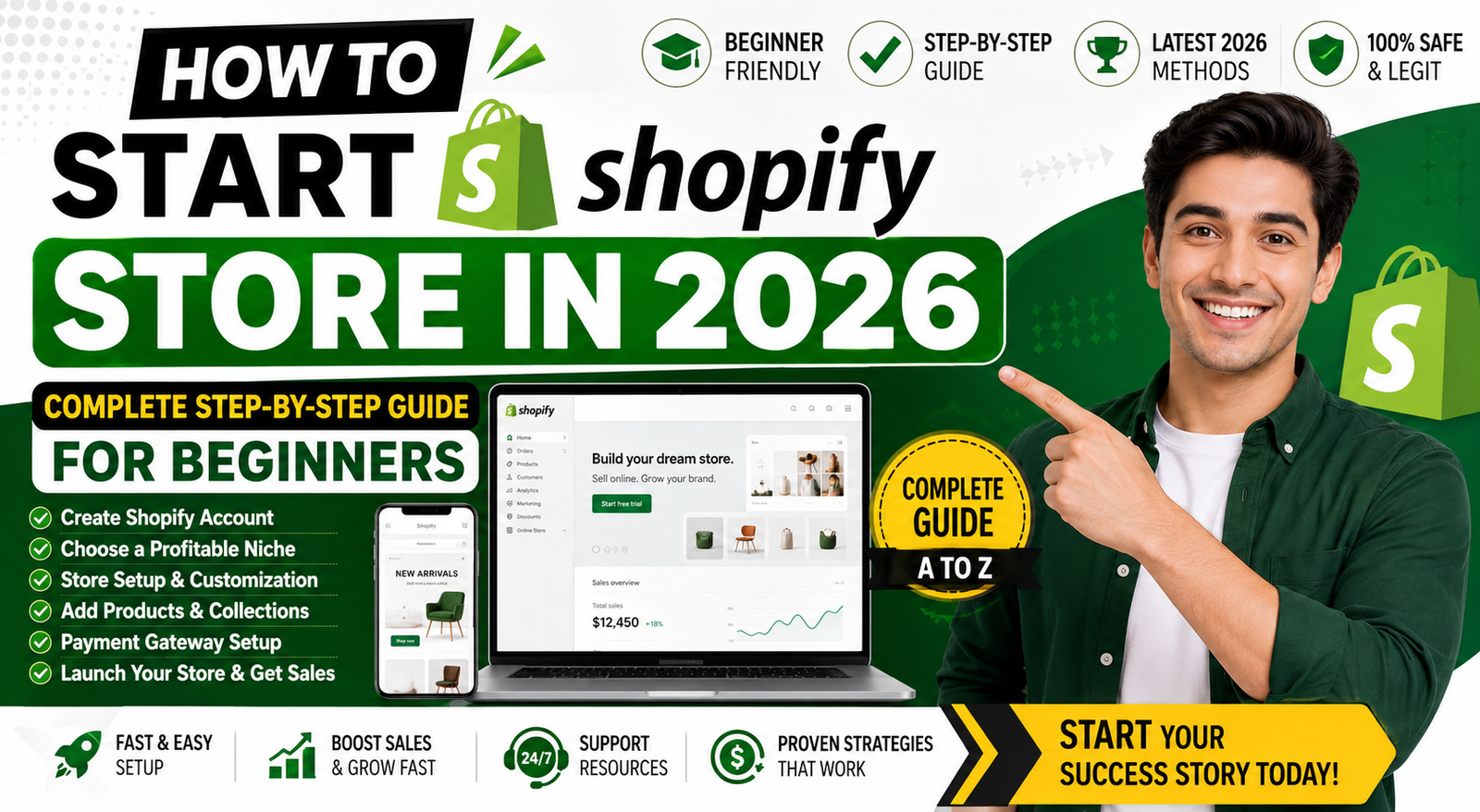
How to Start Shopify Store in 2026: Complete Step-by-Step Guide for Beginners
- 3 minutes Read
Table of Contents
ToggleHow to Start Shopify Store in 2026: Complete Step-by-Step Guide
Introduction
Shopify is one of the world's most popular eCommerce platforms, helping millions of businesses sell products online. Whether you're starting a small business, dropshipping store, or global brand, Shopify provides all the tools needed to build a professional online store.
In this complete guide, you'll learn how to create a Shopify store from scratch, add products, configure payments, optimize for search engines, and attract customers.
Step 1: Create a Shopify Account
Visit Shopify and create your account using your email address. Select your business name and answer a few questions about your store.
- Enter business details
- Choose store name
- Select country and currency
- Configure account settings
Step 2: Choose a Shopify Plan
Shopify offers several pricing plans suitable for startups and growing businesses.
- Basic Shopify
- Shopify Plan
- Advanced Shopify
- Shopify Plus
Step 3: Select a Professional Shopify Theme
Your theme controls the appearance and user experience of your online store.
Choose a Theme That Includes:
- Mobile Responsive Design
- Fast Loading Speed
- SEO-Friendly Structure
- Easy Navigation
- Professional Product Pages
Step 4: Customize Your Shopify Store
Customize your store with your logo, brand colors, homepage banners, and navigation menus.
- Add Logo
- Create Homepage
- Add Contact Page
- Create About Us Page
- Add Privacy Policy
- Add Terms and Conditions
Step 5: Add Products
Create detailed product listings with optimized descriptions and high-quality images.
Product Page SEO Checklist
- Keyword Rich Product Title
- Unique Product Description
- High Resolution Images
- Product Specifications
- Customer Reviews
- Meta Title and Description
Step 6: Configure Payment Gateways
Allow customers to pay securely using multiple payment methods.
- Shopify Payments
- PayPal
- Stripe
- Apple Pay
- Google Pay
- Credit Cards
Step 7: Configure Shipping Settings
Set up local and international shipping options.
- Free Shipping
- Flat Rate Shipping
- Express Delivery
- International Shipping
Step 8: Shopify SEO Optimization
SEO helps your Shopify store rank higher in Google and attract organic traffic.
Shopify SEO Checklist
- Optimize Page Titles
- Write Meta Descriptions
- Create SEO-Friendly URLs
- Optimize Images
- Improve Page Speed
- Build Internal Links
- Create Blog Content
Step 9: Launch Marketing Campaigns
- Google Ads
- Facebook Ads
- Instagram Marketing
- Email Marketing
- Content Marketing
- Influencer Marketing
Step 10: Grow Your Shopify Business
Focus on customer service, SEO, email marketing, and conversion optimization to increase sales and revenue.
- Increase Product Range
- Improve Customer Retention
- Launch Loyalty Programs
- Expand Internationally
- Use Shopify Apps
Conclusion
Starting a Shopify store in 2026 is easier than ever. By following this guide, choosing the right products, optimizing your website, and implementing effective marketing strategies, you can build a profitable online business.